When implementing search screens in ASP.NET, Angular, or any other modern web application, users expect flexible filtering. They may search by shipment number, container number, invoice number, or leave some fields empty.
Search multiple criteria with single WHERE clause in MS SQL is a common requirement in modern database applications. Whether you’re building an ASP.NET Core system, an enterprise ERP solution, or a reporting dashboard. SQL Server allows you to handle optional parameters efficiently within a single WHERE clause. In this article, we’ll explore the modern, performance-friendly approach used in today’s applications to implement dynamic multi-criteria search in MS SQL Server.
A common challenge is:
How do we handle multiple optional parameters in a single
WHEREclause in MS SQL Server?
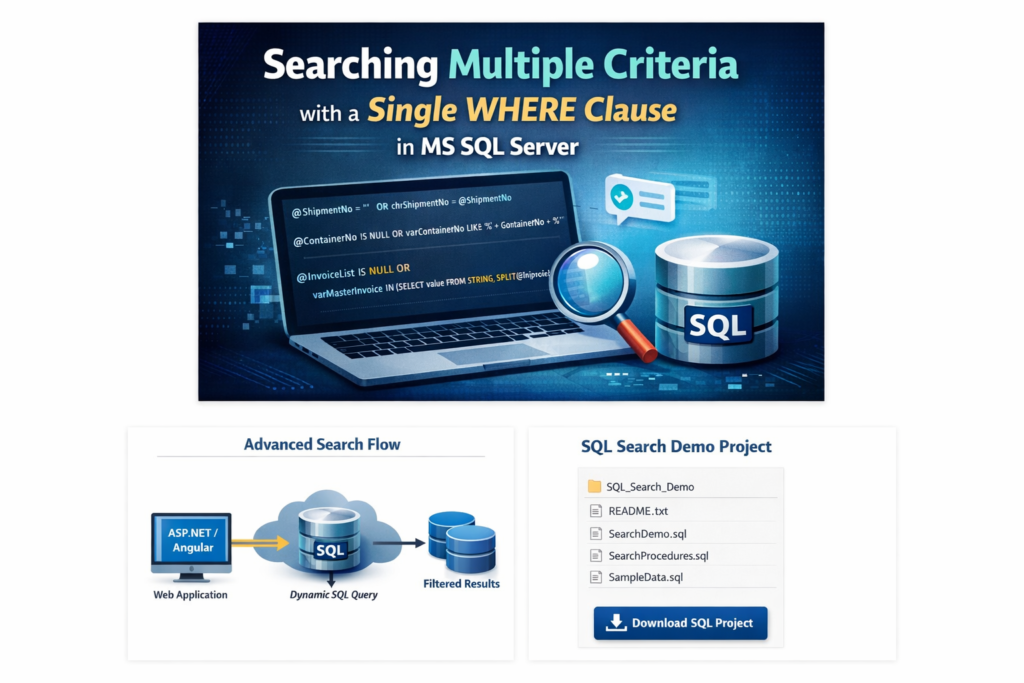
In this article, you’ll learn:
- Why the old
CASEbased method is not ideal - A cleaner and modern SQL Server approach
- Performance-friendly patterns
- How to handle multi-value parameters properly
- Best practices used in enterprise applications
🚫 The Old Approach (Using CASE in WHERE)
Many older implementations used this pattern:
WHERE  1 = (CASE
              WHEN @variable1 = '' THEN '1'
              ELSE CASE WHEN Dtl.varShipmentNo = @variable1 THEN '1' ELSE '0' END
            END)
AND 1 = (CASE
           WHEN @variable2 = '' THEN '1'
           ELSE CASE WHEN Dtl.varContainerNo LIKE '%' + @variable2 + '%'
                     THEN '1' ELSE '0' END
         END)
AND 1 = (CASE
           WHEN @variable3 = '' THEN '1'
           ELSE CASE WHEN Dtl.varMasterInvoice IN (@variable3)
                     THEN '1' ELSE '0' END
         END)
❌ Problems with This Approach
- Hard to read and maintain
- Poor performance (breaks index usage)
- Not SARGable (Search Argument Able)
- Difficult to debug
- Not scalable for enterprise systems
✅ Modern & Recommended Approach
The cleanest and most performant method is using conditional OR logic.
✔️ Recommended Pattern
WHERE
    (@variable1 = '' OR Dtl.varShipmentNo = @variable1)
AND (@variable2 = '' OR Dtl.varContainerNo LIKE '%' + @variable2 + '%')
AND (@variable3 = '' OR Dtl.varMasterInvoice = @variable3)
🔎 Why This Is Better
- Clean and readable
- Optimizer-friendly
- Easier to extend
- Enterprise standard
- Better index usage
🚀 Even Better: Use NULL Instead of an Empty String
Instead of passing empty strings, pass NULL from your application.
WHERE
    (@variable1 IS NULL OR Dtl.chrShipmentNo = @variable1)
AND (@variable2 IS NULL OR Dtl.varContainerNo LIKE '%' + @variable2 + '%')
AND (@variable3 IS NULL OR Dtl.varMasterInvoice = @variable3)
Why NULL is Better?
- Semantically correct
- Cleaner logic
- Avoids string comparison overhead
- Common enterprise standard
🏢 Enterprise-Level Approach: Dynamic SQL (Best Performance)
For large datasets and high-performance systems, companies prefer dynamic SQL.
DECLARE @SQL NVARCHAR(MAX) = '
SELECT * FROM Shipment Dtl WHERE 1=1'IF @variable1 IS NOT NULL
    SET @SQL += ' AND Dtl.chrShipmentNo = @variable1'IF @variable2 IS NOT NULL
    SET @SQL += ' AND Dtl.varContainerNo LIKE ''%'' + @variable2 + ''%'''EXEC sp_executesql
    @SQL,
    N'@variable1 NVARCHAR(50), @variable2 NVARCHAR(50)',
    @variable1,
    @variable2;
📊 Performance Comparison: Single where clause in MS SQL
| Method | Readability | Performance | Enterprise Ready |
|---|---|---|---|
| CASE in WHERE | ❌ Poor | ❌ Poor | ❌ No |
| OR Conditional | ✅ Good | ✅ Good | ✅ Yes |
| Dynamic SQL | ⚠️ Medium | ⭐ Best | ⭐⭐ Yes |
☁️ Search Multiple Criteria in Azure SQL Database
If your application is hosted in the cloud using Microsoft Azure, the same filtering logic works perfectly with:
- Azure SQL Database
- Azure SQL Managed Instance
- Azure App Services
- Azure Functions
Your optional parameter pattern:
WHERE
(@ShipmentNo IS NULL OR varShipmentNo = @ShipmentNo)
AND (@ContainerNo IS NULL OR varContainerNo LIKE '%' + @ContainerNo + '%')- No code changes required when migrating to Azure
- Fully supported in cloud environments
- Compatible with elastic scaling
- Works with serverless SQL tiers
📊 Azure vs AWS Comparison Table
| Feature | Azure SQL Database | AWS RDS for SQL Server |
|---|---|---|
| Managed Service | Fully managed PaaS | Managed VM-based service |
| Auto Index Tuning | ✅ Built-in | ⚠️ Limited |
| Scaling | Serverless + Elastic Pool | Vertical scaling |
| Integration | Best with the AWS ecosystem | Best with AWS ecosystem |
| Migration Effort | Easier for SQL Server apps | Moderate |